Class TextField
Single-line text editor.
public class TextField : View, IDisposable, ISupportInitializeNotification, ISupportInitialize, IDesignable, IValue<string>, IValue- Inheritance
-
TextField
- Implements
- Derived
- Inherited Members
- Extension Methods
Remarks
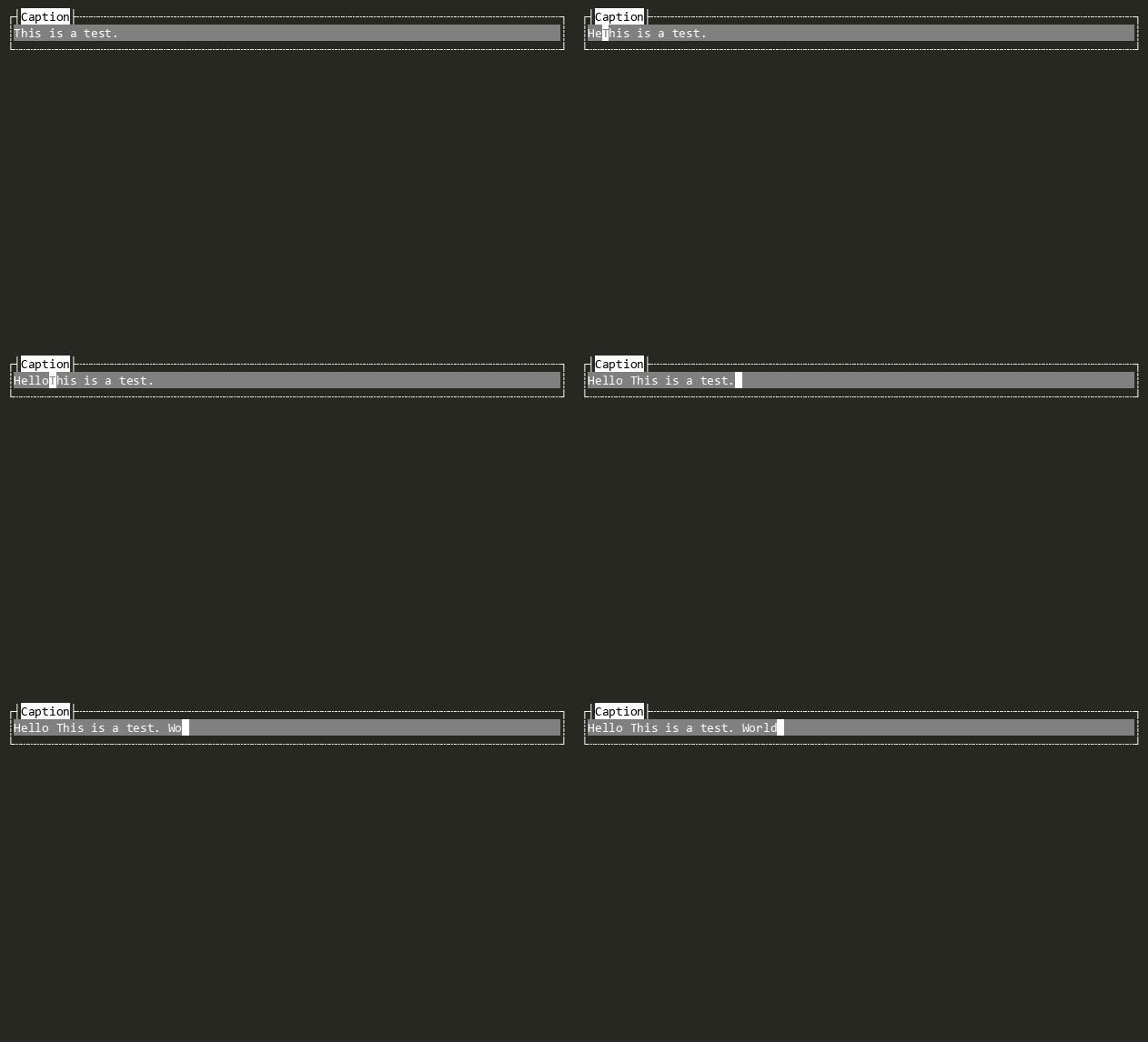
The TextField View provides editing functionality and mouse support.
Default key bindings:
| Key | Action |
|---|---|
| Left, Ctrl+B | Moves the cursor left. |
| Right, Ctrl+F | Moves the cursor right. |
| Home, Ctrl+Home | Moves the cursor to the start of the text. |
| End, Ctrl+End, Ctrl+E | Moves the cursor to the end of the text. |
| Ctrl+Left, Ctrl+Up | Moves one word left. |
| Ctrl+Right, Ctrl+Down | Moves one word right. |
| Shift+<movement> | Extends the selection in the given direction. |
| Delete, Ctrl+D | Deletes the character in front of the cursor. |
| Backspace | Deletes the character behind the cursor. |
| Ctrl+K | Cuts text from the cursor to the end of the line. |
| Ctrl+Shift+K | Cuts text from the cursor to the start of the line. |
| Ctrl+Delete | Deletes the word to the right of the cursor. |
| Ctrl+Backspace | Deletes the word to the left of the cursor. |
| Ctrl+C | Copies the selected text to the clipboard. |
| Ctrl+X | Cuts the selected text to the clipboard. |
| Ctrl+V | Pastes text from the clipboard. |
| Ctrl+A | Selects all text. |
| Ctrl+Shift+Delete | Deletes all text. |
| Ctrl+Z | Undoes the last change. |
| Ctrl+Y | Redoes the last undone change. |
| Insert | Toggles overwrite mode. |
Constructors
- TextField()
Initializes a new instance of the TextField class.
Properties
- Autocomplete
Provides autocomplete context menu based on suggestions at the current cursor position. Configure ISuggestionGenerator to enable this feature.
- ContextMenu
Get the Context Menu for this view.
- DefaultCursorStyle
Gets or sets the default cursor style.
- DefaultKeyBindings
Gets or sets the default key bindings for TextField. These are layered on top of DefaultKeyBindings when the view is created.
IMPORTANT: This is a process-wide static property. Change with care. Do not set in parallelizable unit tests.
- InsertionPoint
Gets or sets the insertion point within the text, measured as a 0-based index into text elements.
- IsDirty
Indicates whatever the text was changed or not. true if the text was changed false otherwise.
- ReadOnly
Gets or sets whether the text field is read-only.
- ScrollOffset
Gets the horizontal scroll offset, representing the index of the first visible text element.
- Secret
Gets or sets whether the text entered is treated as secret (e.g., for passwords).
The displayed text is masked (e.g., with asterisks) when this is set to true.
- SelectWordOnlyOnDoubleClick
Gets or sets whether the word navigation should select only the word itself without spaces around it or with the spaces at right. Default is
falsemeaning that the spaces at right are included in the selection.
- SelectedLength
Gets the length of the selected text in text elements.
- SelectedStart
Gets or sets the anchor position where text selection began, measured as a 0-based index into text elements.
- SelectedText
Gets The selected text.
- Text
Sets or gets the text held by the view.
- UseSameRuneTypeForWords
Gets or sets whether the word forward and word backward navigation should use the same or equivalent rune type. Default is
falsemeaning using equivalent rune type.
- Used
Tracks whether the text field should be considered "used", that is, that the user has moved in the entry, so new input should be appended at the cursor position, rather than clearing the entry
Methods
- ClearAllSelection()
Clear the selected text.
- ClearHistoryChanges()
Clears the history.
- Copy()
Copy the selected text to the clipboard.
- Cut()
Cut the selected text to the clipboard.
- DeleteAll()
Deletes all text.
- DeleteCharLeft(bool)
Deletes the character to the left.
- DeleteCharRight()
Deletes the character to the right.
- Dispose(bool)
Performs application-defined tasks associated with freeing, releasing, or resetting unmanaged resources.
- EnableForDesign()
Causes the View to enable design-time mode. This typically means that the view will load demo data and be configured to allow for design-time manipulation.
- GetDemoKeyStrokes()
Returns a tuirec-format keystroke string for recording a demo GIF of this view. The string uses tuirec token syntax (e.g.
"wait:500,Enter,wait:800,Escape"). This is a new API added in v2 to support automated documentation generation.
- GetPastedEventText(string)
Override to provide the text for Pasted after OnPaste(string) has run.
- InsertText(string, bool)
Inserts the given
toAddtext at the current cursor position exactly as if the user had just typed it
- KillWordBackwards()
Deletes word backwards.
- KillWordForwards()
Deletes word forwards.
- MoveEnd()
Moves cursor to the end of the typed text.
- OnDrawingContent(DrawContext?)
Called when the View's content is to be drawn. The default implementation does nothing.
- OnGettingAttributeForRole(in VisualRole, ref Attribute)
Called when the Attribute for a GetAttributeForRole(VisualRole) is being retrieved. Implementations can return true to stop further processing and optionally set the Attribute in the event args to a different value.
- OnHandlingHotKey(CommandEventArgs)
Called when the View is handling the user pressing the View's HotKey. Set CommandEventArgs.Handled to true to indicate the event was handled and processing should stop.
- OnHasFocusChanged(bool, View?, View?)
Invoked after HasFocus has changed. This method is called before the HasFocusChanged event is raised.
- OnKeyDown(Key)
Called when the user presses a key, allowing subscribers to pre-process the key down event. Called before key bindings are invoked and KeyDownNotHandled is raised. Set Handled to true to stop the key from being processed further.
- OnKeyDownNotHandled(Key)
Called when the user has pressed key it wasn't handled by KeyDown and was not bound to a key binding.
- OnMouseEvent(Mouse)
Called when a mouse event occurs within the view's Viewport.
- OnPaste(string)
Override to insert sanitized paste text into the view. The default returns false because a plain View has no text model. Text-input views (TextField) override this to perform the insertion.
- OnSanitizingPaste(string)
Override to filter or transform raw paste payloads before they are inserted into the view. The default implementation strips C0/C1 control characters (including ESC) but preserves tab, line feed, and carriage return — matching Windows Terminal's
FilterStringForPastebaseline.
- OnSuperViewChanged(ValueChangedEventArgs<View?>)
Called when the SuperView of this View has changed.
- OnViewportChanged(DrawEventArgs)
Called when the Viewport changes. Invokes the ViewportChanged event.
- Paste()
Paste the clipboard contents into the text field at the cursor / selection.
- RaiseTextChanging(ResultEventArgs<string>)
Raises the TextChanging event, enabling canceling the change or adjusting the text.
- Redo()
Redoes the latest changes.
- SelectAll()
Selects all text.
- ShouldRaisePastedEvent(string)
Override to suppress Pasted when OnPaste(string) consumes a paste without inserting the text.
- Undo()
Undoes the latest changes.
Events
- TextChanging
Raised before Text changes. The change can be canceled the text adjusted.
- ValueChanged
Raised when Value has changed.
- ValueChangedUntyped
Raised when Value has changed, providing the value as an un-typed object.
- ValueChanging
Raised when Value is about to change. Set Handled to true to cancel the change.