Class CheckBox
Shows a checkbox that can be cycled between two or three states.
public class CheckBox : View, IDisposable, ISupportInitializeNotification, ISupportInitialize, IValue<CheckState>, IValue- Inheritance
-
CheckBox
- Implements
- Inherited Members
- Extension Methods
Remarks
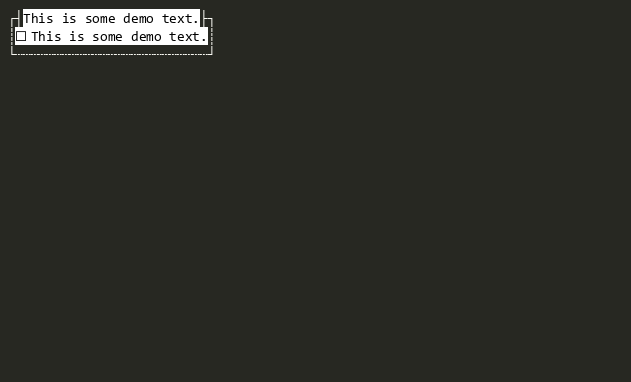
RadioStyle is used to display radio button style glyphs (●) instead of checkbox style glyphs (☑).
Default mouse bindings:
| Mouse Event | Action |
|---|---|
| Click | Toggles the checked state (Activate). |
| Double-Click | Accepts the checkbox (Accept). |
Constructors
- CheckBox()
Initializes a new instance of CheckBox.
Properties
- DefaultMouseHighlightStates
Gets or sets the default Highlight Style.
- HotKeySpecifier
Gets or sets the specifier character for the hot key (e.g. '_'). Set to '\xffff' to disable automatic hot key setting support for this View instance. The default is '\xffff'.
- RadioStyle
If true, the CheckBox will display radio button style glyphs (●) instead of checkbox style glyphs (☑).
Methods
- AdvanceCheckState()
Advances Value to the next value. Invokes the cancelable ValueChanging event.
- OnActivated(ICommandContext?)
Called when the View has been activated. This is called after Accepting has been raised and not cancelled.
- OnClearingViewport()
Called when the Viewport is to be cleared.
- UpdateTextFormatterText()
Can be overridden if the Text has different format than the default.
Events
- ValueChanged
Raised when Value has changed.
- ValueChangedUntyped
Raised when Value has changed, providing the value as an un-typed object.
- ValueChanging
Raised when Value is about to change. Set Handled to true to cancel the change.